

Learning how to choose a domain name starts with a simple question: where should fans go when they type it? For a creator, that might be a membership page. For a comic publisher, it might be a world of characters and stories. The name should connect the audience to that destination without making them guess.
Two examples documented in the .fans blog show how this works. DBTech.fans provides a route to creator membership, while Heroverse.fans leads readers into an original comic universe. Their value as naming examples comes from the relationship between the name, its audience and its destination.
Two real examples of a name with a clear purpose
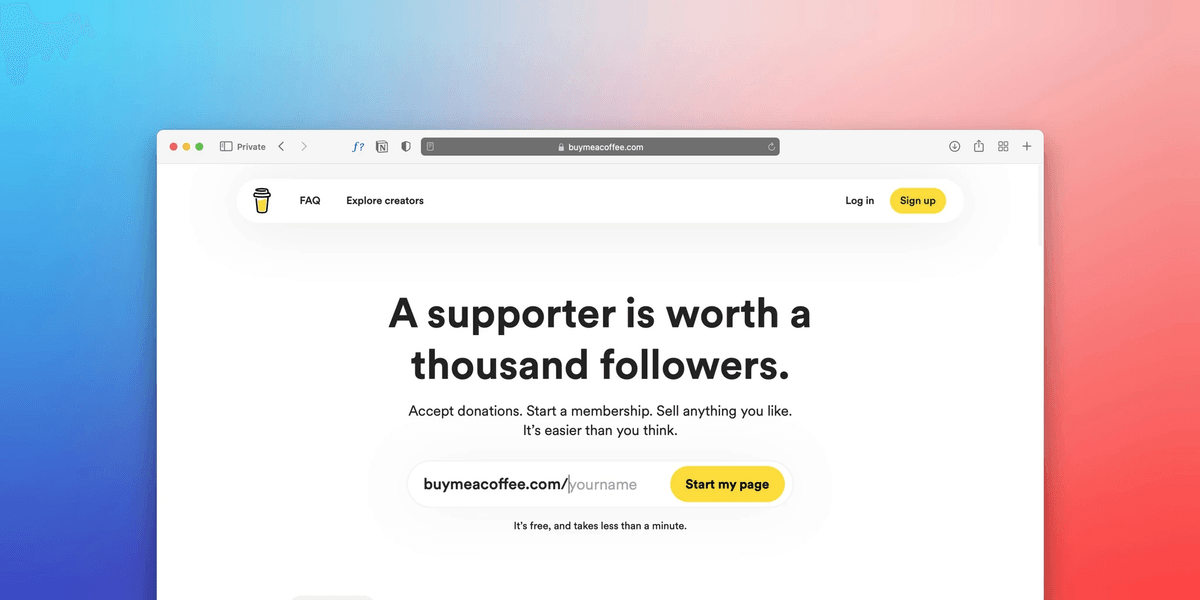
DBTech.fans: a route to membership
The existing DBTech.fans case study documents a short domain that redirects to the creator’s Patreon membership page. DBTech’s wider first-party resource hub serves a broader purpose; the .fans address gives supporters a specific route to membership.
The naming lesson is practical: one address can have one clear job. A creator domain name can retain a recognizable brand while directing supporters to an existing service. The domain is the address; it does not provide the membership software, account system or billing service.
Heroverse.fans: an entrance to a comic universe
The Heroverse.fans case study describes a redirect to Heroverse.com, home to an original comic universe. Readers can explore characters and teams through its Cortex directory and find connections to books and creator profiles.
Here, the name carries the identity of the fictional world. The .fans ending gives the audience a relevant entrance while the established website remains the destination. This is an original publisher’s universe, rather than an unofficial fan archive. Neither example establishes that a domain change caused higher traffic, membership sales or search rankings.
Match the name to the visit you want

Before making a shortlist, write one sentence explaining what visitors should find. “Join my membership” leads to a different destination from “Explore our characters.” A fan community domain should support that purpose and match the language you already use with your audience.
Start with a creator name, project name or community identity that people recognize. Add a descriptive word only if it makes the address clearer. Avoid packing several search phrases into the name: a phrase that looks comprehensive on a spreadsheet may be awkward to say aloud.
Choose a name broad enough for realistic plans. A temporary campaign can use a focused address, while a lasting community home may need room for future releases, events or projects.
Why .fans can fit the community identity
A .fans domain puts the audience relationship directly into the address. Beside an established creator or project name, it can express who the destination is for. DBTech and Heroverse illustrate two different uses of that idea without requiring the same website structure.
The ending is one part of the experience. Clear ownership information, useful content and a working destination still matter. A domain suffix does not verify an operator’s identity or guarantee that visitors will trust a website.
For more ways to connect an address with an audience, explore the .fans case studies and compare the purpose each name serves.
Check the shortlist before registering

- Say it aloud. Ask someone to type it after hearing it once. Look for spelling or pronunciation confusion.
- Keep the brand recognizable. Compare the address with your profile names and the destination’s branding.
- Check availability and naming rights separately. An available domain does not establish permission to use someone else’s brand or clear trademark conflicts.
- Define the destination. Decide whether the address will open a dedicated website or redirect to an existing page.
- Test the visitor journey. Open the full address on a computer and phone, check the destination and confirm that the main action works.
Give fans an address they can recognize

Use the .fans registration page to search your shortlist, then review the available registration options and terms. After registering, arrange the website or redirect with the relevant provider and test it before sharing the address.