
A fan community website can give viewers one place to check an upcoming stream. For viewers following several StelLive creators, one question is especially practical: when is the next stream? StelLight.fans describes itself as a StelLive fan site and gives member schedules a dedicated place. Its example suggests a starting point for other fan groups: pick one recurring task, give it a memorable address, and decide who will keep the information current.
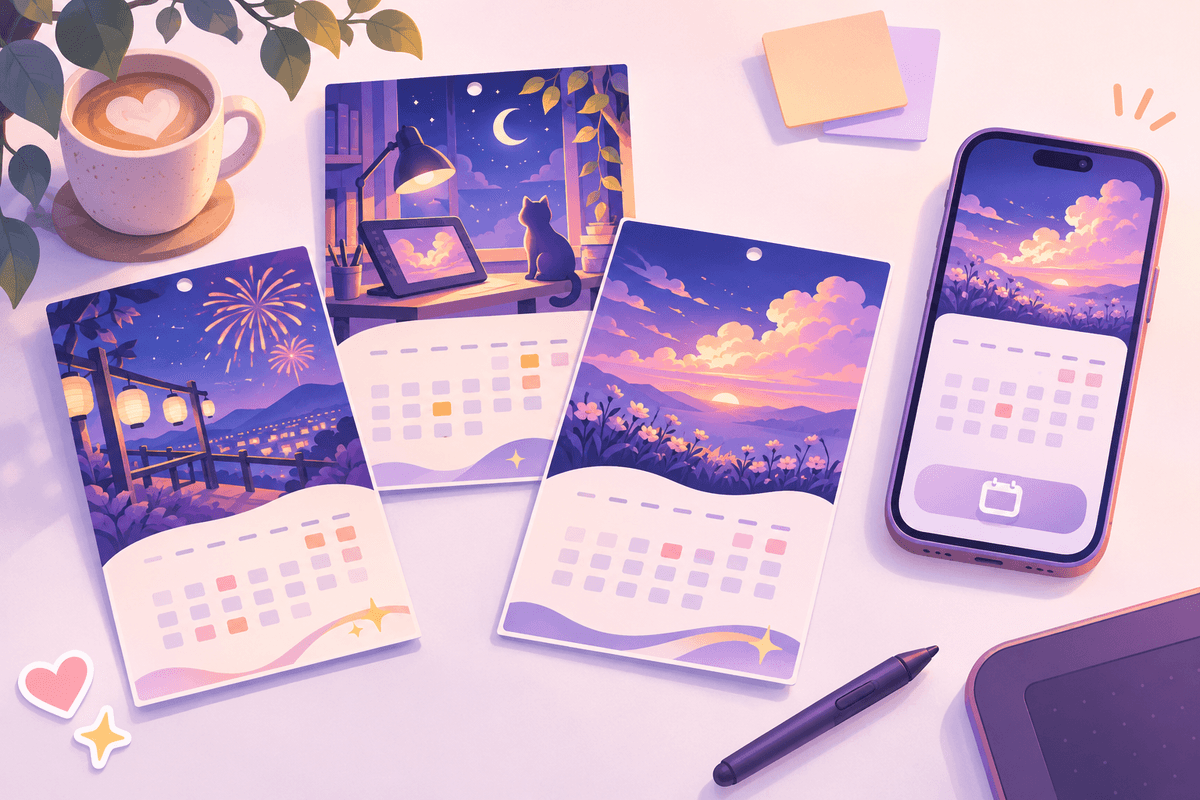
Illustration. A shared schedule gives fans one address to check for the next event.
What should a fan community website help visitors find?
StelLight describes its schedule feature as a way to see the schedules of StelLive members at a glance. That makes the case more specific than a general creator directory. A visitor may already know whom they follow. What they need is a place to check when to tune in, especially when they follow several creators across different channels.
For a fan community website built around a calendar, test that promise with a simple task. Ask someone to find the next event for a creator they know, using a phone and arriving from a shared link. See whether they can identify the creator, the event time and the source without asking a moderator. Those three answers are a more useful starting point than a long feature list.
Give the schedule a way to stay current
StelLight says signed-in users can add, edit or delete schedule entries. Its public description also gives visitors a way to report problems or make suggestions. The public page does not describe a moderation process, so the following is a design suggestion for teams building their own fan community website.
Give each event a source link, an explicit time zone and a way to flag a correction. If an event changes, show the new time and keep the original announcement easy to find. For postponed events, keep a visible status until a replacement date is confirmed. That helps people understand why an entry changed when they revisit a link from chat.
Make the address easy to share
A schedule often reaches readers through a pinned message, a profile link or a quick reply to a question. A recognizable domain gives those messages a consistent destination. The name StelLight combines “Stellar” and “Light,” according to the case site. The address pairs that name with .fans, and the landing page explains whose schedules the site follows.
When naming a fan community website, try saying the full address aloud and asking someone to spell it. Then check whether the homepage makes the relationship to the creators clear. Use a short description such as “Fan-run schedule for…” when it reflects the project. Give visitors a clear route to the creator’s original announcement for changes or cancellations.
Plan what happens when the team is busy
Before launching a calendar, pick the creators and event types your team can realistically maintain. A small schedule with clear source links can be easier to keep current than an exhaustive calendar. Decide who checks recurring events, how volunteers report corrections, and when a past event moves out of the main view.
Publish that coverage in plain language. A visitor who can see which creators are included and when the calendar was last updated can decide how to use it. Keep the homepage useful even when there are no upcoming events by linking to official channels and explaining how to report a missing announcement.
Build an event listing fans can act on
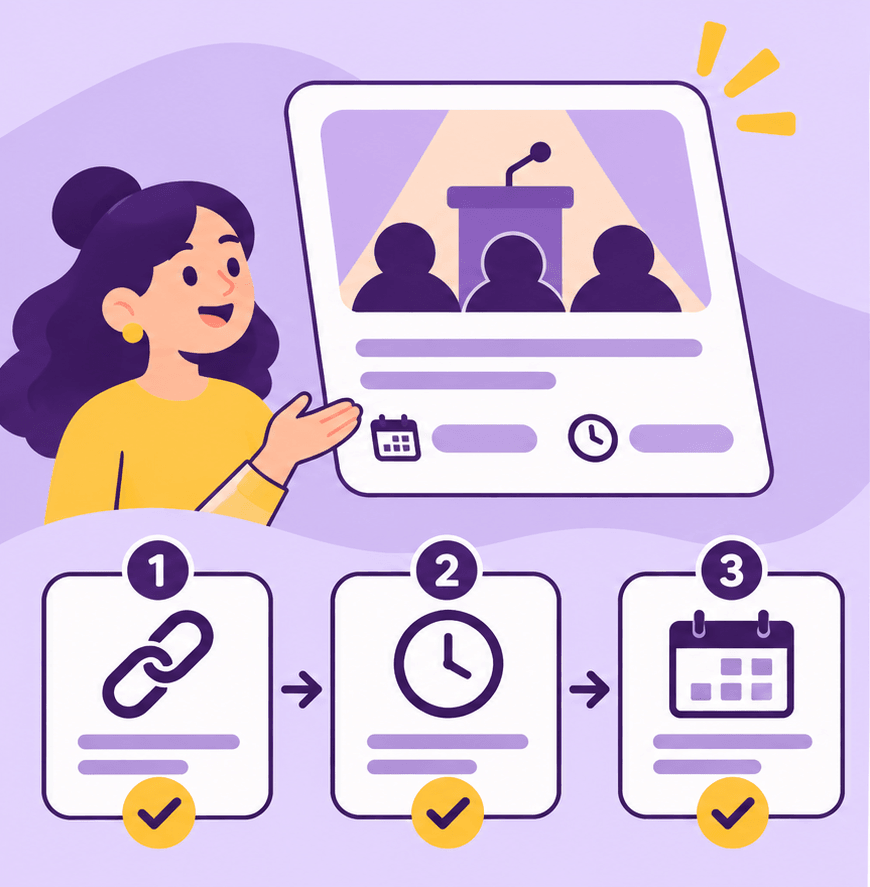
Illustration. Check the source and time before adding an event to the calendar.
Imagine that a reader arrives ten minutes before a stream. Put the creator name, event title, local start time and original announcement together so the reader can decide where to go. If a start time has not been announced, write “Time to be announced” and link to the post that confirms the event. Fill in the time once there is a source. A fan community website can serve readers with incomplete information as long as it identifies what remains open.
Give any converted time an explicit label. When an announcement says 9 p.m. in Korea, keep that time available even if you also display the visitor’s local time. Include the day as well as the hour. A reader looking at an evening announcement from another country may otherwise put the event on the wrong date. For an end time, use the announced duration when it exists and leave the end time open when it does not.
Think about how the audience names a creator. Display the name readers will see in the original announcement and include a familiar alias where it aids search. Use the same display name on the event card, creator page and calendar filter. If two creators have similar names, add enough context for visitors to identify the right stream. Where a collaboration has one official watch link, a single entry can list the participants and send everyone to that destination.
Agree on a correction process before inviting contributions

Illustration. A correction can show the new time and preserve the route to the original announcement.
A schedule stays useful when people know which information to trust after a change. On your own fan community website, ask contributors to identify the field that changed and include a link to the latest announcement. A correction with a source gives the next volunteer something concrete to check. You can still accept a tip without a source and leave it pending until someone verifies it.
Define who can apply corrections during busy periods. One volunteer might watch for changes around a special event while another checks new submissions. When a stream is cancelled, keep a short cancellation notice at the address fans already shared. For a moved stream, update the time and point to the new announcement. The reader can then see the change immediately even if they opened a bookmark from the day before.
Give moderators an easy way to hand over unfinished work. A brief note can say which announcements they checked, which events still have unconfirmed times, and who will take the next pass. Size the calendar for the people available to maintain it. If coverage slows down, a short note on the calendar can tell visitors where to look for the most recent information.
Test the shared link on an actual phone
A fan community website often reaches a visitor from a chat message while they are doing something else. Open the shared link on a phone with a narrow screen. Check that the next event is visible without horizontal scrolling and that the watch link can be opened without hitting another control. Enlarge the system text and look for clipped dates, hidden time zones or buttons that have wrapped over a title.
Try opening a direct link to an event from a different browser. The reader should be able to tell what the link points to and who maintains the schedule. If the calendar begins with filters, choose a default view that makes sense for a new arrival. Let someone who knows the creators look for a specific member, then ask a newcomer to explain the listing without help. The two readers may get stuck in different places.
If an event links to an external streaming service, name the destination beside the link. This gives a visitor a chance to recognize the service before leaving the calendar. Check whether the link opens the original announcement, a waiting room, or the creator’s general channel and label it accordingly. After the event, replace a temporary link with a replay only if the creator has provided one. When no replay exists, leave the entry marked as past so a visitor knows the schedule has moved on.
Run the same check for an empty calendar. Give visitors a reason for the empty state when you have one. A short note about the next update or a link to creator announcements gives visitors somewhere useful to go. Keep the correction route visible so a reader can still report a missing item.
Make the calendar the first job of the domain
When planning a fan community website, write a one-sentence description you could put beneath the site name. It should tell people which group the calendar covers and what they can do there. For example, a community might describe its own site as a fan-maintained calendar of streams and watch parties for a specific creator group. The description helps a reader who has never seen the short name before understand the site after one click.
Decide what opens at the root address. If most visitors arrive to check schedules, give the upcoming view a visible place on the home page and label the link plainly. An individual event can have its own share link while the root remains an address people can remember. Keep a separate route for event submissions if you need one, and explain the information contributors should send.
Before registering a name, check whether it could imply that the site is operated by the creators or their agency. Review the words around the name as well as the name itself. A clear fan-run label, a useful explanation of scope and links to official sources can set expectations when supporters first arrive. Check name availability through a registrar and verify that your website host supports connecting a custom domain.
Before you share the address widely, run a short trial with a few events. Keep one confirmed listing, one listing with a time still to be announced, and one changed entry. Ask two readers to use the fan-run calendar without instructions. Have one reader check when to tune in and the other send a correction with a source link. Their questions can reveal whether a label, time zone or account prompt needs work. Save the issues you can act on and repeat the exercise after editing the page. That gives the people maintaining the fan community website a practical way to judge whether changes make the schedule easier to use.
Questions to answer before launch
How much of the schedule should go on the home page?
Show the next few entries with the details people need to act. If you cover a large group, give visitors an obvious path to filter the full schedule by creator. Keep past events accessible when they have replay links or are useful to your community. With a small group, an upcoming list may be enough until there is a real need for filters.
When should visitors need an account?
Decide separately who can read and who can submit a change. If your community wants schedules to be easily shareable, make the basic event information available to readers who arrive from chat. Reserve accounts for actions that need a contributor record, and provide a contact route for readers who only want to flag a correction.
What should a volunteer check each week?
Open a shared event link, test a source link, check that times include the date and time zone, and review unresolved corrections. Take a look at the calendar on a phone after a major change. Ask whether the site still answers the original question within a few taps. That helps the team decide which improvements matter as the calendar grows.
Choose a domain for the first useful version
Start with the page fans will share first. For a calendar-led fan community website, that could be the upcoming schedule, with creator names, times and direct links to announcements. Choose a name that still makes sense if you later add watch-party notes, fan projects or a guide for newcomers. Make that first page dependable before adding more. A working link and a clearly sourced next event give people a concrete reason to save the address and come back.
For related planning ideas, see the Fanarchy.fans case and the .fans use cases.