
TLD meaning is easiest to see in an address that people encounter outside a website. The Android listing for Avento, a livestreaming app, connects visitors with support information associated with avento.fans. In that address, Avento identifies the service and .fans is the top-level domain. The app listing and the public pages behind the address each have a different role in helping a visitor recognise where they have landed.
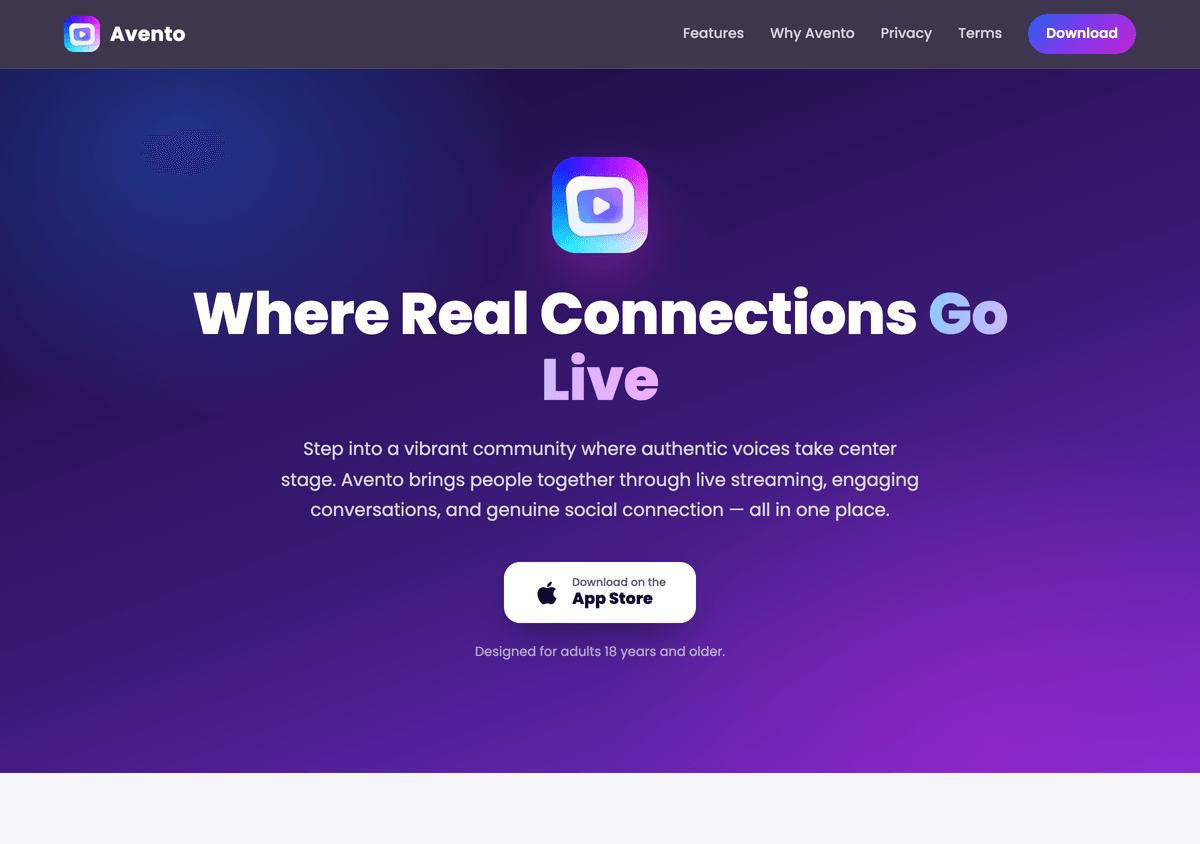
Website screenshot: https://www.avento.fans/. Captured November 18, 2026.
Read the ending before interpreting the brand
The top-level domain is the label after the last dot in a registered domain such as avento.fans. The IANA delegation record classifies .fans as a generic top-level domain. That is the technical TLD meaning in this case. To explain TLD meaning to the team, point to the last label in the actual address. An app team can also ask whether the combined address suggests something about the audience or product. The visitor’s interpretation comes from the complete name and the context in which it appears.
An app listing can have a title with a descriptive phrase after the brand name. A domain is usually shorter. If the listing introduces Avento as a livestreaming app, the associated address does not have to repeat the entire title. It can preserve the part a returning user already remembers. The availability of the address and the shape of the first page remain separate questions.
Report TLD meaning as part of a link migration by recording the last label next to the app support website. If a policy page moves but the top-level domain stays the same, the labelled fields make that clear. The release plan should identify which links need to change and which are tested simply because they are associated with the same store listing. Preserve the old support path in the record so the reviewer knows which existing destinations must still work.
Look at where the address appears outside the homepage
The Avento Google Play listing names the Android app and shows its developer. The App support section shows the www.avento.fans website, service@avento.fans email and a privacy policy link. The service also publishes its terms of service at avento.fans. Those documents give a contact email on the domain and describe the service. This case focuses on those visible uses of the address. App features, usage and website traffic are different measurements.
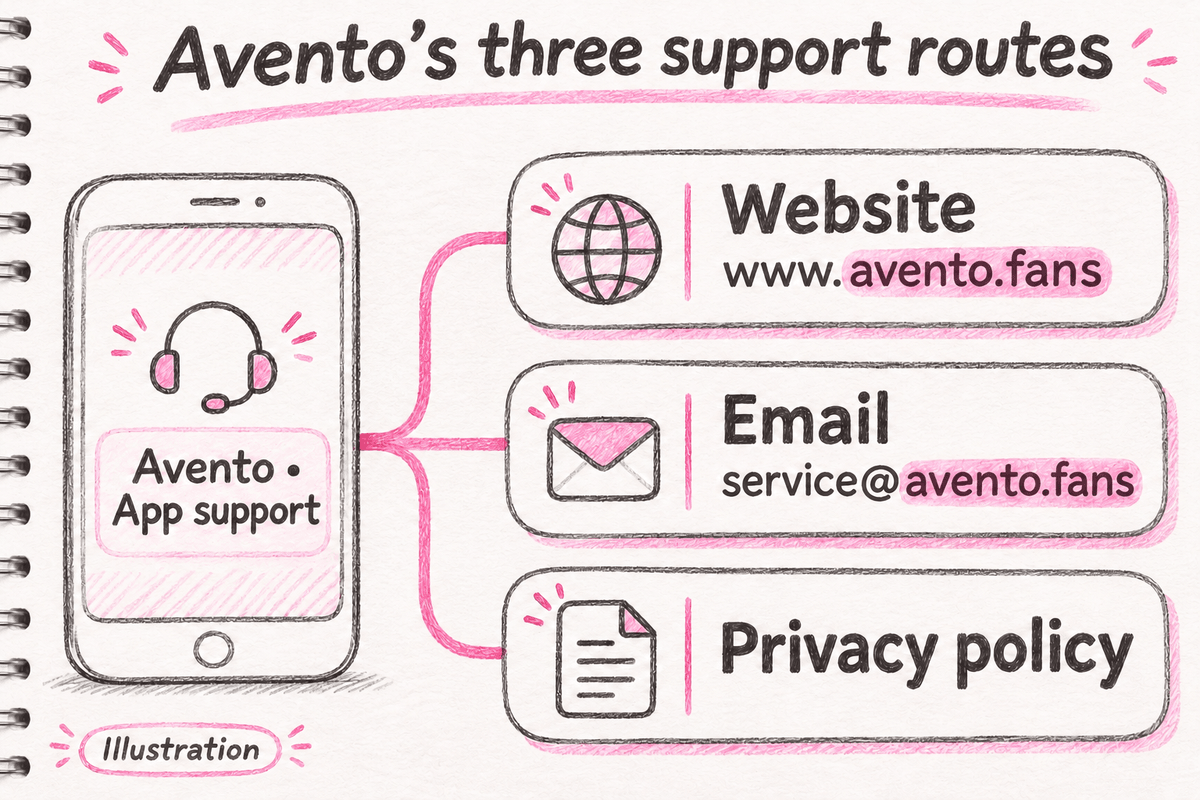
An app team can use this distinction while mapping audience actions. Someone arriving at an app listing may be deciding whether to install. Someone following a policy link may be looking for service terms. Someone looking at an email address needs to understand where the contact route belongs. Each use asks the domain to do a small job: to carry the same recognisable name into a different context.
Check the route from the outside in. Start with the page a reader can see before signing in, then follow the official link or type the published domain. Note what the browser displays and whether the first heading confirms the destination. If the policy page opens on a subdomain or a particular path, verify the complete address and test that the path still works from the source that publishes it.
Make the app and public address easy to match
After establishing TLD meaning, build a one-row reference for each place the brand appears. Record the name as displayed, the full domain, the expected destination and who owns the link. A team might have one row for the app listing, one for a support page, and one for a profile. If these are managed by different people, the record helps them keep spelling and destination consistent when they update their own pages.
Use the audience’s language in visible links. “Read terms,” “Contact support,” or “Visit the website” describes the destination more directly than linking an unfamiliar label on its own. The TLD meaning can be explained where that helps the reader recognise the address. The link label should still tell the reader what to expect after clicking.
Avento’s terms show one way to place public service information on the same domain used for contact. An event app might make a different choice and put on-site help at the most visible web path. A creator app might lead with the audience’s next action. In either case, test whether a visitor can connect the name they saw first with the page the team intends them to reach.
Use a short launch check before publishing links
The goal is to make TLD meaning clear when someone follows a real publication path. First, compare the characters in the domain across the store listing, website and public contact materials. Test any difference between the bare domain and the www version that the team intends to share. Copy each public link from its original placement and open it on a phone. Check the title, the target page and the first action a reader can take.
Second, confirm that the organisation has a named owner for changes to the site and for changes to the app listing. A domain can be used in multiple places, so the team changing the website may be unaware that another team has published a deep link. Keep the important paths visible to both owners. If a path changes, confirm that the old address still leads to information the person was trying to find.
For the final TLD meaning check, compare the updated listing with the approved migration record. Identify which field changed, which public page it reached before and which page it reaches now. Capture the exact date and the observed destination. Keep unchanged support fields in the check so a successful update to one link cannot hide an accidental change to another.
Try the handoff with a store listing update
Imagine the app begins using a new public support page. The store listing owner updates the link while another team maintains the existing support email. In the handoff record, write the previous destination, the new destination and the date each was checked. Then copy the public link from the updated listing and confirm that it opens for someone who has never signed in.
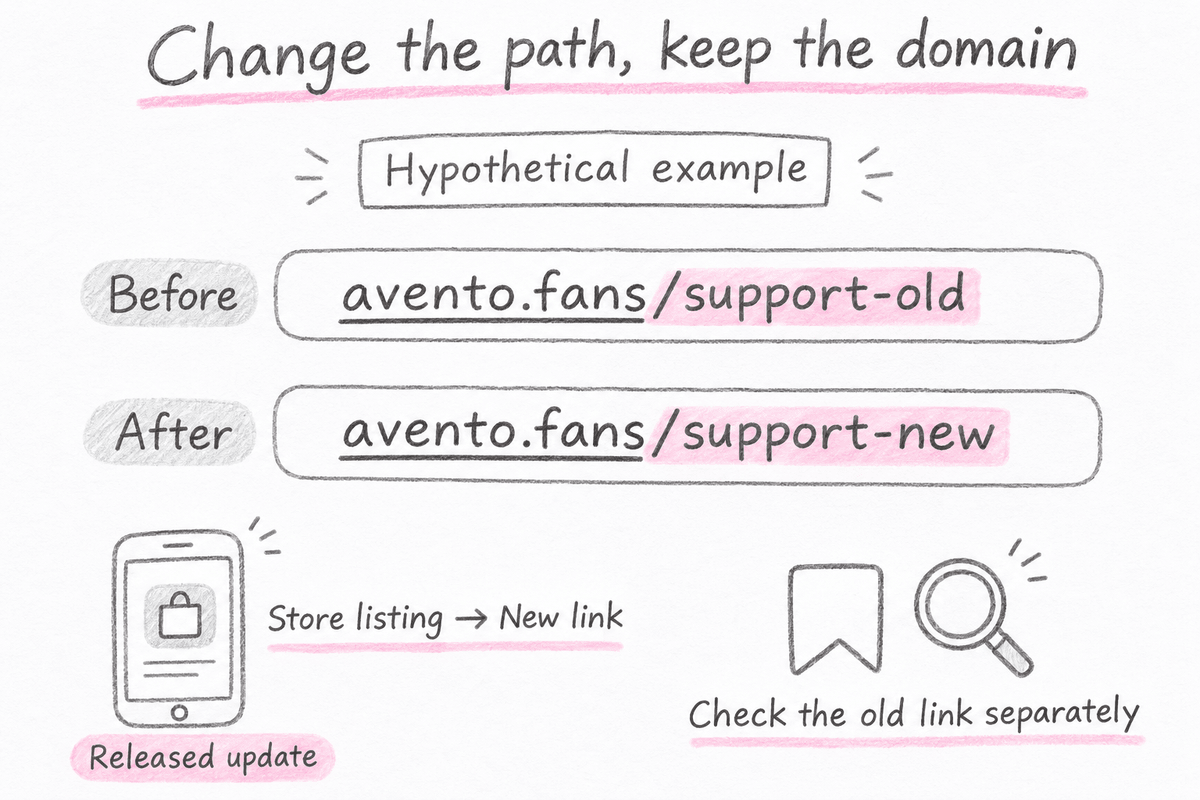
The URL may use a longer path than the name you say aloud. Use TLD meaning to explain the stable part of the address, and keep the full link where the reader needs to reach the exact document. Test both the page and the email route separately. Seeing a public email on the right domain verifies the visible spelling. It does not reveal how the support team handles a message.
If the old destination still attracts visits, check where those readers arrive and whether the page offers a clear next action. The app team can then update the highest-use references first and keep a dated record of what remains.
Questions about TLD meaning for app websites
Does a TLD tell visitors what an app does?
A top-level domain identifies the ending of a domain name and may suggest a context. Visitors can learn about the app itself from the store listing, official product material and pages linked from the address. The name should be easy to recognise when people move between those sources.
Should an app support address use the same domain?
Using the same domain can make the connection easier to read, especially when the public materials already give visitors the full web address. Check that the support inbox and linked pages are maintained by the responsible team. A clearly labelled contact route helps the visitor decide what to open.
Where should a team check a proposed .fans name?
Write the full name exactly as readers will see it, including .fans. Review the .fans registry policies for applicable naming requirements, then use a registrar to check the exact name. Confirm availability before printing the address or distributing it in public app materials.
The practical TLD meaning of an app address is easiest to test in its real points of use. Start with the listing, compare the old and new destinations, and record an independent recheck after the link is visible publicly. Use that evidence when choosing a domain for your own audience.