
A domain name search for a creator tool starts with a practical question: what will someone expect when they see the address outside your website? Super.fans uses its name for an audience research product aimed at YouTube creators. Its public homepage presents tools for asking questions about channel discussions and searching comments. The audience cue is built into the address, while the homepage explains the actual job. That pairing gives teams launching a creator product a useful way to judge a shortlist before registering a name.
Once you have a shortlist for your creator tool, you can check .fans name availability through Cloudflare Registrar.

Website screenshot: https://super.fans/. Captured November 19, 2026. Click image to enlarge.
Why the homepage matters to a domain name search
Someone who hears Super.fans in a creator newsletter might expect a member community, a fan club or a tool for a channel operator. The address establishes the audience relationship but leaves room for interpretation. The first screen narrows that interpretation by identifying the product as audience intelligence for creators and offering a public route to explore the tools. A visitor can recognize that the website is aimed at people running channels before deciding whether to explore or sign up.
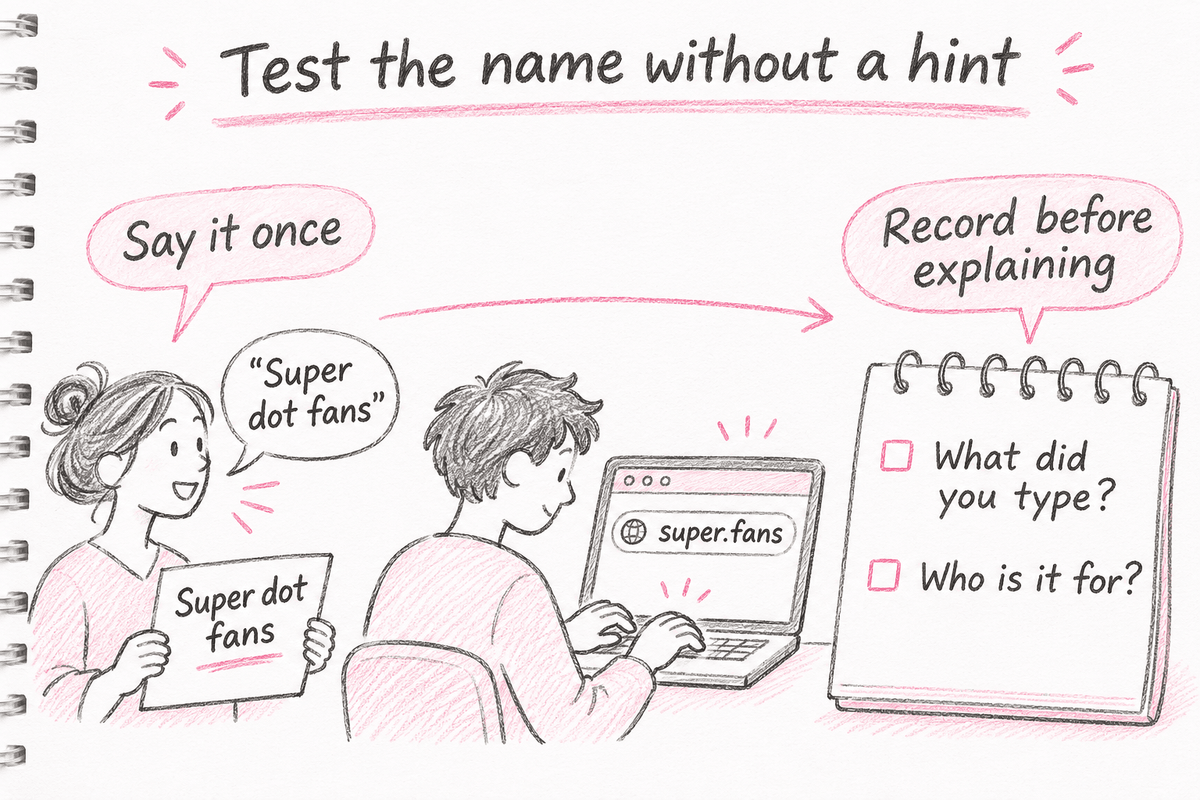
Use this distinction when reviewing candidates. Put the address alone on a slide, then show the first line of your homepage next to it. Ask a teammate to explain who uses the product and what they do with it. For a creator research product, an answer like “channel teams use it to find recurring viewer questions” is specific enough to test. An answer like “it is something for fans” tells you that the opening line has more work to do. Run the same exercise with every serious candidate using identical copy so that the name is the variable you are comparing. Check that the first action offered on the page delivers on that product promise.
Give the name a job and let the product explain the rest
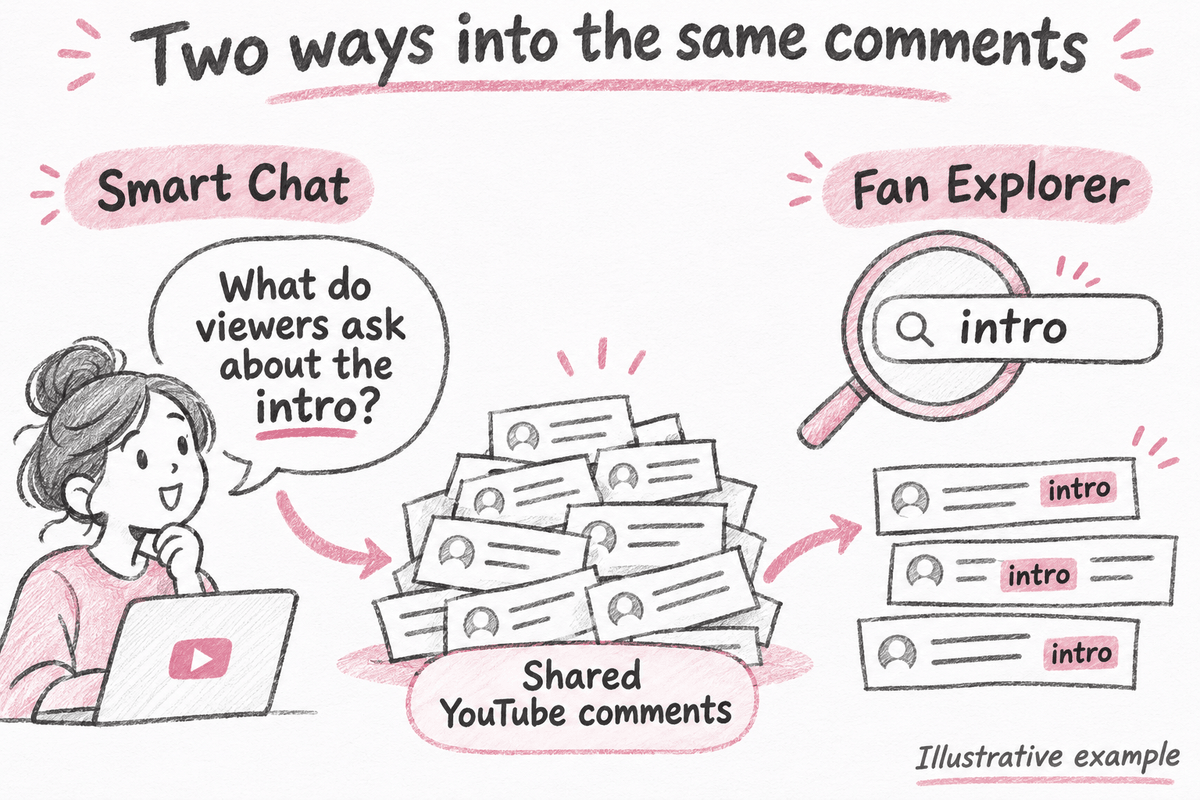
Super.fans presents Smart Chat and Fan Explorer as distinct ways to work with comments. One starts with a question about audience discussion. The other starts with a keyword to find relevant material. The homepage describes both under a common product name. The domain can therefore stay short while feature names handle the differences in how a visitor might use the product. Its footer also says its insights are independently derived, a useful distinction for a business whose homepage mentions YouTube.
A similar division of work can make your domain name search less arbitrary. Write one job statement broad enough to hold the features you plan to ship during the first year. Then write a specific description for each feature. If your product starts with comment search and later adds editorial planning, the main name should still make sense when the second feature launches. Conversely, a name specific to one platform or one report format may need extra explanation as the product changes. Consider what you can substantiate on the public page today and keep future features out of the decision until they are concrete enough to describe.
Test the address in the places creators will see it
Next, compare the product promise across those placements. A newsletter link might invite readers to find patterns in audience questions, while the homepage can keep that promise visible with an example. If a link is meant for creators rather than viewers, the sentence around it can say so. The domain name search should produce a practical answer for each placement: which address to use, what one-line explanation accompanies it, and which public page a visitor should reach.
Check the visitor paths the name introduces
A product site can serve people at several stages. One visitor may want a quick explanation before choosing whether to give an app any access. Another may already know the product and want to sign in. A third may be checking how the service handles data. Super.fans makes the product, account and privacy routes visible on its public site. The published privacy policy is a useful point of reference for what the company says about data handling. Visitors can review the public explanation before making their own account decision.
Build this into a domain name search for your own product by listing the public pages needed on launch day. Give a first-time visitor a product explanation and a clear route to support or privacy information. Write down where returning users should sign in and use the same wording in email and on the homepage. Where the product uses a separate host, verify that the public links land on the intended host. A review of the public navigation can be completed without creating an account or connecting any channel.
Record what you checked before you register
Keep a short record of the domain name search with the full address, the date, your rationale and the people who reviewed it. Check the address with a registrar, look for similar names in your industry and document any naming ambiguity worth pursuing. Mark separately which account will control the registration, who will manage renewal and where visitors should land. Use the registry’s .fans use cases to compare how different teams pair an audience-focused name with a clear homepage. Treat any proposed domains and screenshots used in internal mockups as examples until the team has verified the live setup.
On launch day, repeat the test from a fresh browser session. Copy the published address from a real campaign or help article, follow it and read the first screen at phone width. Check whether the language, product promise and next step agree with what your reviewers approved. Add this to the domain name search record so that future teammates can tell what was decided and which parts were actually tested.
Frequently asked questions
Does a creator tool need its main feature in the domain?
The name can signal an audience or a broad purpose while the first screen states the concrete feature. A domain name search for a tool with several features works best when the homepage explains the current scope and each feature has a distinct label.
Is the domain a sign that a product is affiliated with YouTube?
An address alone establishes no platform affiliation. Read the public product and policy pages. Super.fans describes itself as an independent analytics platform and distinguishes its insights from official YouTube metrics.
When should we recheck a shortlisted address?
Check it during the domain name search, again when the team is ready to register, and after launch from the public channels that distribute the address. Availability and navigation are different checks, and the record should show when each was done.