
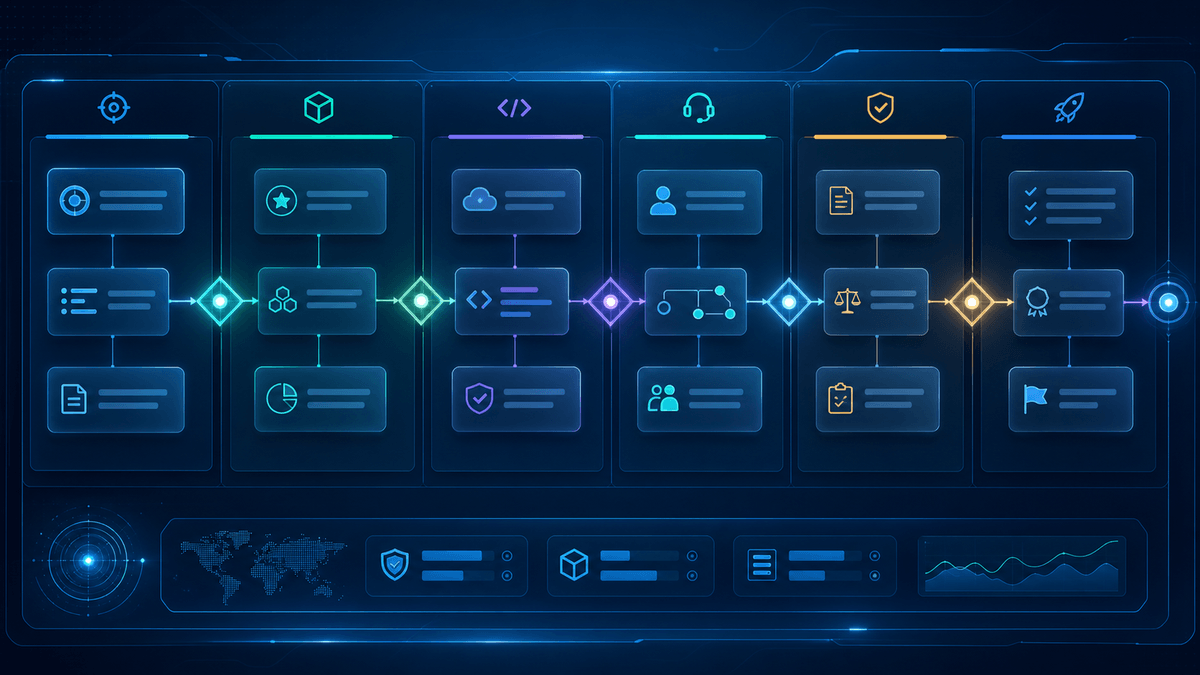
gTLD registrar onboarding is where a domain extension becomes ready for customers. The work may start with contracts and technical access, but it should not end there. A registrar also needs product copy, catalog placement, checkout behavior, support guidance, policy references, and a launch review process. For .fans, onboarding should help registrars present a fan-first domain clearly to creators, artists, entertainment teams, sports clubs, fan communities, agencies, and partners.
This article outlines a practical onboarding sequence. It is not a substitute for official agreement review or legal advice. It is a planning guide for registrar, product, engineering, support, and partner teams that want a structured route from initial interest to a stable .fans customer experience.
Step 1: Confirm the Onboarding Scope
Before anyone builds, the registrar and registry-side team should define what onboarding covers. Is the registrar adding .fans to an existing marketplace? Is it preparing a partner campaign? Is it adding API support? Is it testing a new checkout path? Is it training support teams for fan community use cases? The scope determines the plan.
The .fans partners page is a useful starting point for organizations exploring registrar, agency, creator network, entertainment brand, marketing, community, or strategic collaboration. The onboarding path should match the partner type instead of assuming every organization needs the same package.
Step 2: Align on Product Positioning
Product positioning should be settled early because it influences search placement, category pages, help content, partner materials, and promotional campaigns. .fans is positioned around fan communities, creators, artists, entertainment brands, sports clubs, culture, and passion-driven audiences. That makes the extension relevant when customers are planning fan sites, creator hubs, official fan pages, event pages, merch destinations, membership spaces, and campaign homes.
The positioning should stay practical. Registrar copy should explain what a .fans domain can name. It should not promise audience growth, monetization, legal protection, endorsement, availability, or price outcomes that are not verified. Strong onboarding gives teams approved language so they do not improvise risky claims later.
Step 3: Map the Registration Flow
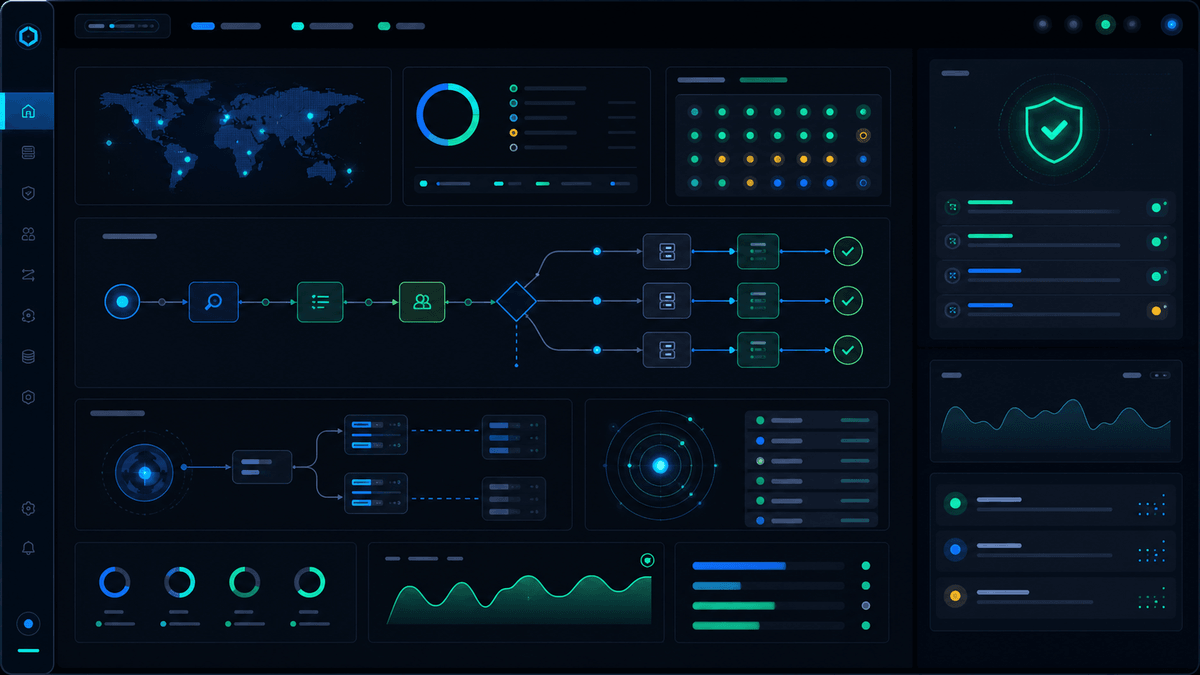
The registration flow should be tested from the customer's point of view. Search, selection, checkout, confirmation, account management, DNS setup, renewal, and support should all be visible in the map. Technical teams may focus on provisioning, but the customer sees one continuous experience.
A .fans buyer might be a creator or community organizer who does not manage domains every day. That means plain next steps matter. After registration, the customer should know how to point the domain to a website, where to manage DNS, how renewals work through the registrar, and where to find help.
Step 4: Prepare Technical Checks
Technical onboarding should cover lifecycle actions and operational behavior. Teams should confirm search and availability checks, create commands, renewals, transfers, updates, statuses, premium or reserved-name handling when applicable, and support diagnostics. ICANN's EPP status-code resource can help teams interpret common status language, while registry-specific details must be confirmed through official onboarding materials.
- Test search results and checkout behavior before public launch.
- Confirm that premium, reserved, or unavailable outcomes do not create confusing customer messages.
- Map lifecycle status values to support guidance.
- Verify that DNS, nameserver, and account workflows have clear handoffs.
- Record technical contacts and escalation paths for launch week.
Step 5: Build Support and Policy Guidance
Support teams need more than a product headline. They need routing logic. Account and billing questions usually stay with the registrar. DNS and setup questions may depend on the registrar's platform. WHOIS/RDAP, policy, abuse, transfer, dispute, or rights-sensitive questions may require links to official references and internal escalation.
The .fans policies page, WHOIS page, and report-abuse page should be part of the support reference set when those topics appear. Support content should avoid legal advice while still helping customers find the right official resource.
Step 6: Create Launch Materials
Registrar onboarding should produce usable launch materials. These can include marketplace copy, category descriptions, internal FAQs, support macros, API notes, partner one-pagers, and campaign review rules. The materials should be short enough for teams to use and specific enough to prevent confusion.
For .fans, launch materials should show practical use cases without naming protected communities, celebrities, teams, games, characters, or brands as if an affiliation exists. Safer examples include a creator news hub, a fan club resource page, a sports supporter community, a music event update site, a gaming community landing page, or a merch drop announcement domain.
Step 7: Set a Go-Live Checklist
A go-live checklist should connect product, engineering, support, marketing, and partner owners. It should confirm that the registrar can offer .fans in a way that is accurate, usable, and supportable.
Product
- Go-Live Question: Does .fans appear in relevant categories with accurate copy and current checkout behavior?
Engineering
- Go-Live Question: Have search, registration, renewal, transfer, status, and DNS-related workflows been tested?
Support
- Go-Live Question: Can agents route account, DNS, WHOIS/RDAP, policy, abuse, and transfer questions correctly?
Marketing
- Go-Live Question: Are campaign claims supported by official .fans pages and current program guidance?
Step 8: Review After First Customers Arrive
Onboarding should continue through the first real usage window. Customers may expose issues that test plans missed: confusing search results, unclear premium labels, weak setup instructions, repeated support tickets, or partner campaigns that attract the wrong audience. A good onboarding program expects this and turns it into updates.
After launch, teams should review search activity, registration completion, activation behavior, support questions, policy-related tickets, and partner campaign performance. The review should improve the next onboarding cycle and keep the .fans offer accurate over time.
Conclusion
gTLD registrar onboarding for .fans should connect commercial setup, product positioning, technical checks, support preparation, policy guidance, and partner launch materials. When onboarding is treated as a complete customer path, registrars can offer .fans with more confidence and help buyers move from registration to a useful fan-first destination.